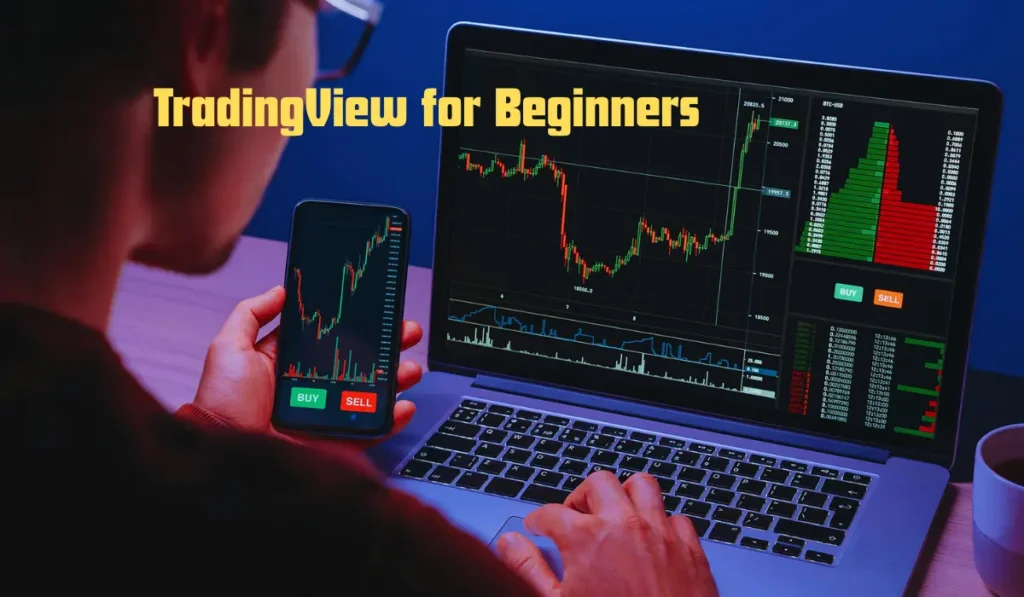
Advanced trading platforms have made trading accessible for all, including beginners. One platform that stands out in the market is TradingView. It offers high-end tools in an easy-to-use interface for investing in stocks, crypto, forex, commodities, and other profitable assets.
This guide will provide you with valuable information about this platform, such as what it is, why it is suitable for beginners, how to open an account, how to use it, and much more. So, get started right away!
What is TradingView?
TradingView is a web-based charting and social networking platform developed for traders and investors from all backgrounds. It helps users track market prices, examine charts, try strategies, and share ideas with other traders.
The platform supports a wide range of markets, including Stocks, Cryptocurrencies, Forex, Commodities, Indices, and Futures. This platform is quite popular because it combines advanced charting tools with a clean and beginner-friendly interface.
Why Beginners Prefer TradingView?
The reason why beginners prefer TradingView is that it simplifies technical analysis. The following are some major reasons why it is suitable for newbies:
Simple interface
The platform has an intuitive design, making navigation simple even for beginners.
Cloud-based access
The platform is cloud-based, that is, you can access it directly without any downloads or installations.
Availability of the free plan
Free access is available with several charting features.
Large community
There is a large trading community sharing strategies, ideas, and educational content, which can be beneficial to beginners.
Advanced charting tools
Though TradingView is beginner-friendly, it offers advanced tools as well.
How to Create a TradingView Account?
You can easily get started with TradingView. Here are the steps to follow:
Step 1- Visit the Official Website
First of all, access the platform’s official website.
Step 2- Sign Up
Tap the ‘Get Started’ or ‘Sign Up’ button and submit details like your email address, Google account, Apple account, or social media accounts.
Step 3- Select a Plan
TradingView provides free and paid plans. Novice traders can start with the free version and gradually upgrade.
Understanding the TradingView Dashboard
Once you log in using your credentials, you can access the dashboard. Understanding the layout is crucial before examining charts.
Watchlist panel
It is located on the right side. You can use it to monitor multiple assets at once.
Chart area
This is the main area where price movements are displayed.
Toolbar
The left toolbar consists of drawing tools like trend lines, Fibonacci retracement, brush tools, and text notes.
Indicator Menu
At the top of the menu, you can add technical indicators to your chart.
How to Open a Chart on TradingView?
One of the first things beginners should learn on TradingView is how to open charts.
- Search for an asset using the search bar at the top. Choose the right trading pair or stock exchange listing.
- Choose a timeframe according to your requirements.
How to Use Candlestick Charts?
The most popular chart type on TradingView is candlestick charts. Each candlestick chart displays the opening price, the closing price, the highest price, and the lowest price.
- A green candle indicates the price increased during the specific period.
- A red candle indicates the price decreased.
Gaining clarity about candlestick charts can help beginners easily understand market direction.
Best TradingView Indicators for Beginners
The main purpose of indicators is to help examine price movements and trends. The following are some beginner-friendly indicators on TradingView:
- Moving Average (MA)– It smooths price data to spot trends.
- Relative Strength Index (RSI)– It measures whether an asset is overbought or oversold.
- MACD Indicator– It helps identify momentum and possible trend reversals.
- Volume Indicator– It shows how much buying and selling activity exists in the market.
Setting Alerts on TradingView
On this platform, traders can set price alerts so that they do not miss any opportunity.
To create an alert:
- Right-click on the chart
- Choose “Add Alert”
- Set your target price
- Select notification preferences
Price alerts can be sent through email, browser notifications, and mobile notifications.
This is beneficial to traders who cannot constantly monitor charts.
How to Save and Customize Layouts?
TradingView allows traders to customize their workspace by adjusting various settings. Users can:
- Change chart colours
- Save favorite indicators
- Create multiple watchlists
- Use light mode or dark mode
By saving layouts, you can maintain a consistent trading setup.
TradingView Paper Trading for Practice
New traders should stop risking real money immediately. TradingView has a paper trading feature that allows users to trade with virtual funds. This helps beginners:
- Study market behaviour
- Test strategies
- Boost confidence
- Understand risk management
Practising before entering live trading is highly recommended by experts.
Final Thoughts
TradingView is one of the top platforms suitable for beginners, as they can easily learn trading and technical analysis. The simple interface, educational resources, and large trading community make this platform the best in the market. By learning how to read charts, use indicators, set price alerts, and practise with paper trading, beginners can gradually boost their confidence and improve their trading skills.